
1、打开文件 /wp-admin/includes/class-wp-posts-list-table.php,在452行处添加代码。
do_action( 'custome_dropdown_taxonomy', $post_type );
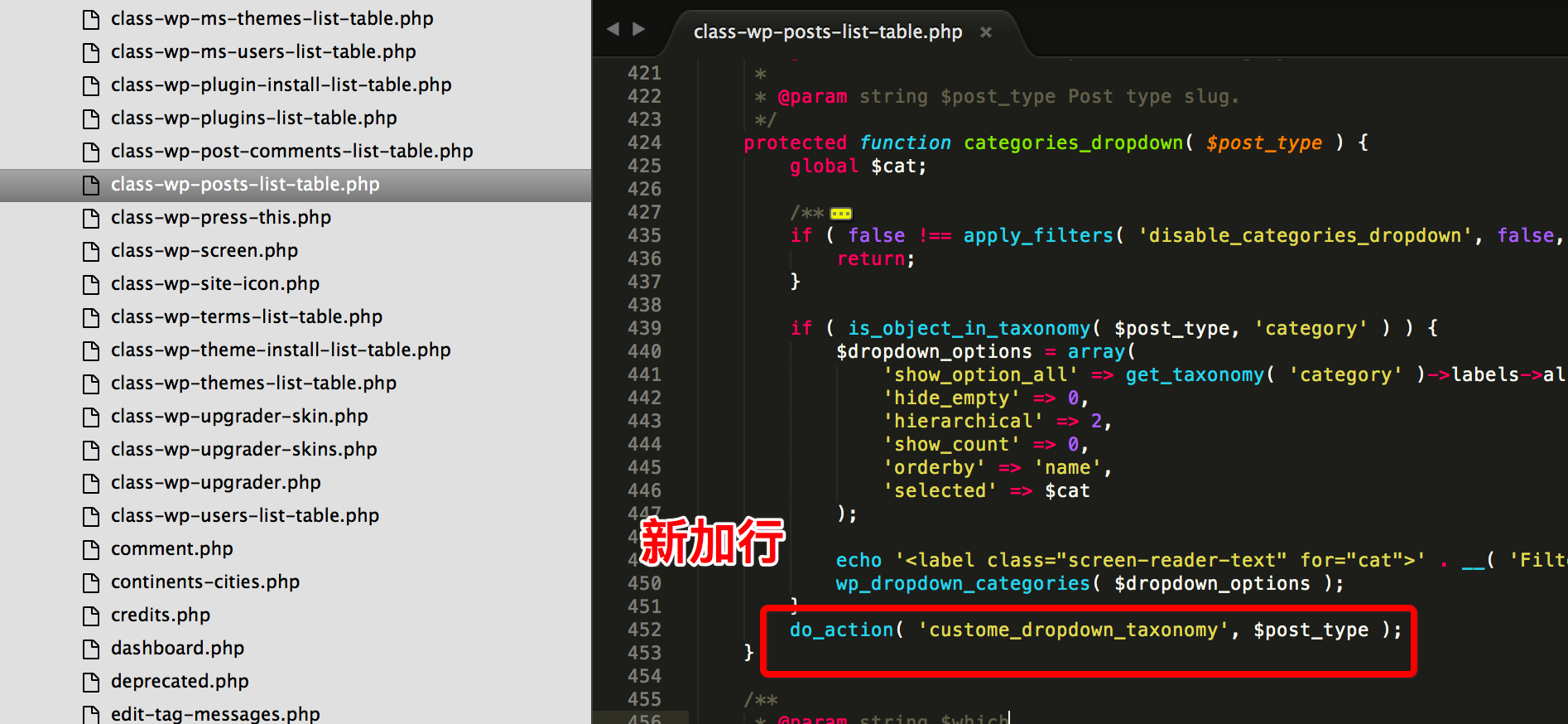
2、在主题functiuon 文件里加下面的函数即可实现。
custome_catalog 换成自己新建的文章taxonomy
function orhoncms_custom_taxonomy_dropdown($post_type){

	if ( is_object_in_taxonomy( $post_type, 'custome_catalog' ) ) {
		$dropdown_options = array(
			'show_option_all' => get_taxonomy( 'custome_catalog' )->labels->all_items,
			'hide_empty' => 0,
			'hierarchical' => 1,
			'show_count' => 0,
			'orderby' => 'name',
			'taxonomy'          => 'custome_catalog',
			'show_count'        => 1,
		);

		echo '<label class="screen-reader-text" for="cat">' . __( 'Filter by category' ) . '</label>';
		wp_dropdown_categories( $dropdown_options );
	}
}
add_action( 'custome_dropdown_taxonomy', 'orhoncms_custom_taxonomy_dropdown' );
注释: 当前版本 4.6.1